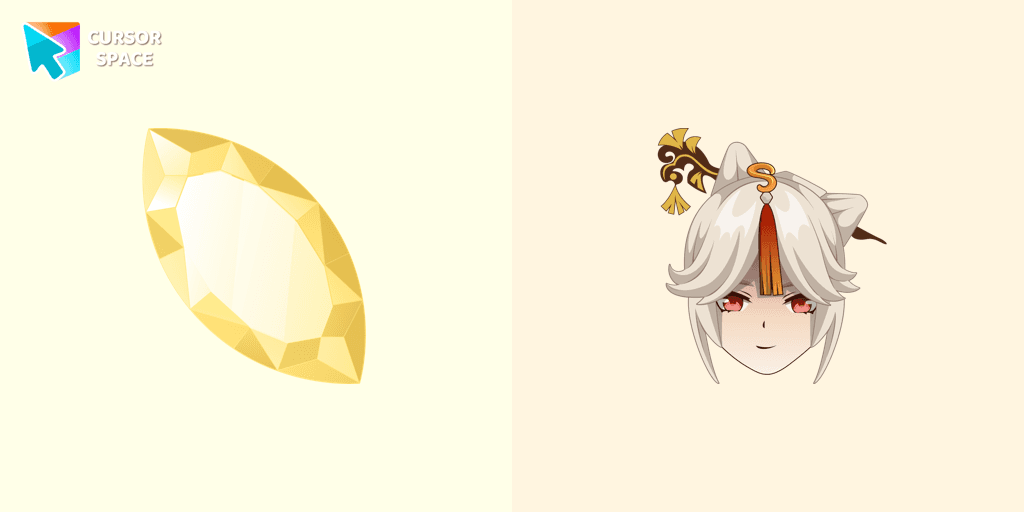
Ningguang Cursor
Description
Want to enhance your browsing experience with a touch of elegance and power? The Ningguang Cursor from Custom Cursor for Google Chrome is the perfect addition to your collection! Inspired by the brilliant and sophisticated Tianquan of Liyue from Genshin Impact, this cursor embodies wealth, wisdom, and an unshakable presence.
With its sleek and luxurious design, this character cursor transforms your standard mouse pointer into a symbol of authority and charm. Whether you admire Ningguang’s strategic mind or her dazzling aesthetic, this fantasy cursor is a must-have for fans of the game.
Designed with magic style, shimmering gold accents, and an air of mystery, this cartoon cursor brings a colorful and fun twist to your browsing. It’s perfect for those who love a themed cursor that stands out—ideal for casual users and hardcore gamers alike.
Why choose the Ningguang Cursor?
- ✔ Stylish & Elegant – A cursor that mirrors Ningguang’s wealth and grace.
- ✔ Perfect for Genshin Fans – Showcase your love for Liyue’s most powerful merchant.
- ✔ Easy to Install – Just a few clicks to add a cute cursor with a fantasy vibe to your browser.
Upgrade your browser cursors and bring magic, stars, and beauty to every click! Download the Ningguang Cursor today and let your pointer shine like a priceless jade!
What's included in the package
- Default Cursor
- Pointer (Hand)
How to install a custom cursor pack Ningguang Cursor
Install the Cursor Space extension for Chrome or Cursor Space for Edge in your browser.
On this page, click "Add this cursor pack to the extension".
Open the extension and go to the Packs tab.
Find the custom cursor pack "Ningguang Cursor" and click it.
Enjoy!
Ready to install?
Get this cursor pack and thousands of others by installing our extension. It's fast and free!
About this cursor pack
Ningguang Cursor is a themed cursor pack you can add to your browser to personalize your pointer across common cursor states (default and pointer). Use it for everyday browsing, streaming, studying, or gaming-anywhere you want your cursor to match your vibe.
Instant preview
See how the cursors look before installing.
Easy install
Add the pack to the extension in a few clicks.
Works in your browser
Designed for Chrome and Edge via the extension.
FAQ
Quick answers to common questions about cursor packs, collections, and installation.
Do I need an extension?
Yes. To apply cursor packs in Chrome or Edge, install the Cursor Space extension and add this pack to it.
Which browsers are supported?
Cursor packs are designed for Chromium browsers like Chrome and Microsoft Edge.
How do I switch back to the default cursor?
Open the extension, choose another pack or disable the current one to return to your default cursor.
Popular cursors today
Custom cursor and packs - neon, anime, pixel art. Quickly add to Chrome and Microsoft Edge for free
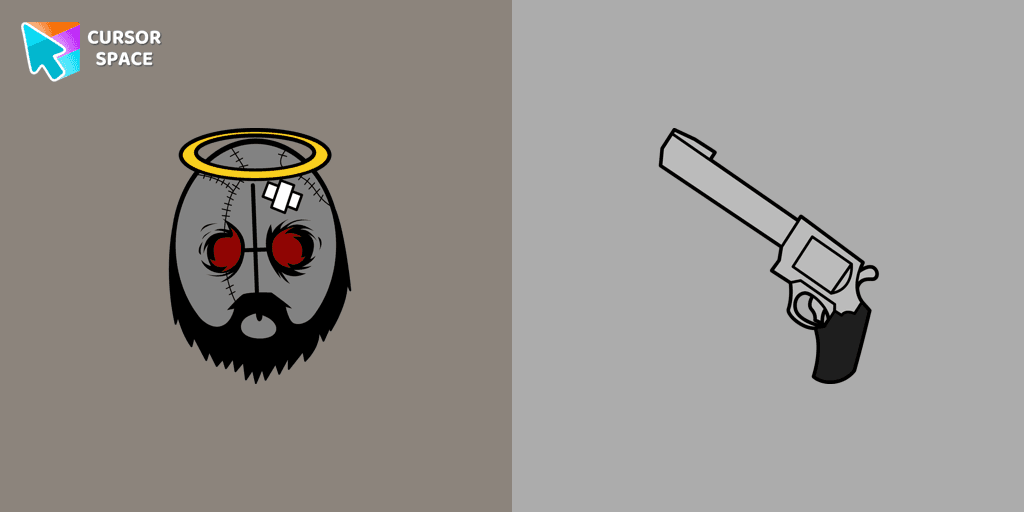
Top 1 Top 2 
Deimos cursor
0FreeAdd Deimos custom cursor in our unique The Wishes collection of custom cursors for the browser.
Top 3 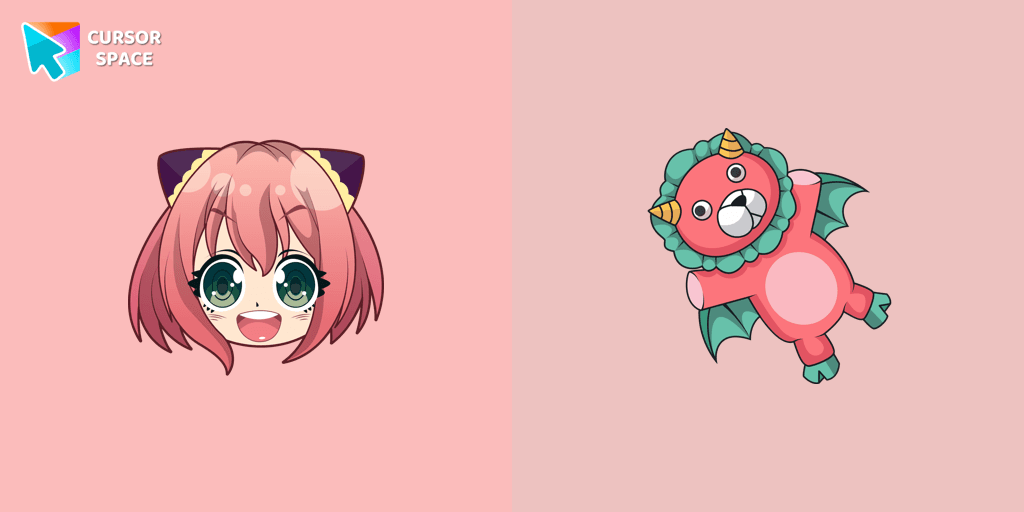
Anya Forger cursor
0FreeCustom cursor with Anya Forger is a good opportunity to change the usual mouse to the fans custom cursor.
Wednesday Addams cursor
0FreeOur The Wishes custom cursors collection for Chrome has been expanded with yet another beautiful custom cursor with Wednesday Addams.

Tsireya cursor
0FreeTsireya from Avatar: The Way of Water custom cursor for the mouse and pointer in a terrific custom cursors collection.
The Auditor cursor
0FreeThe Auditor custom cursor for the mouse is a pretty character in The Wishes cursor collection for Chrome.
Djimmi the Great cursor
81FreeTransform your browsing with the Djimmi the Great custom cursor. This custom cursor for Google Chrome brings the magic of Cuphead to your screen.
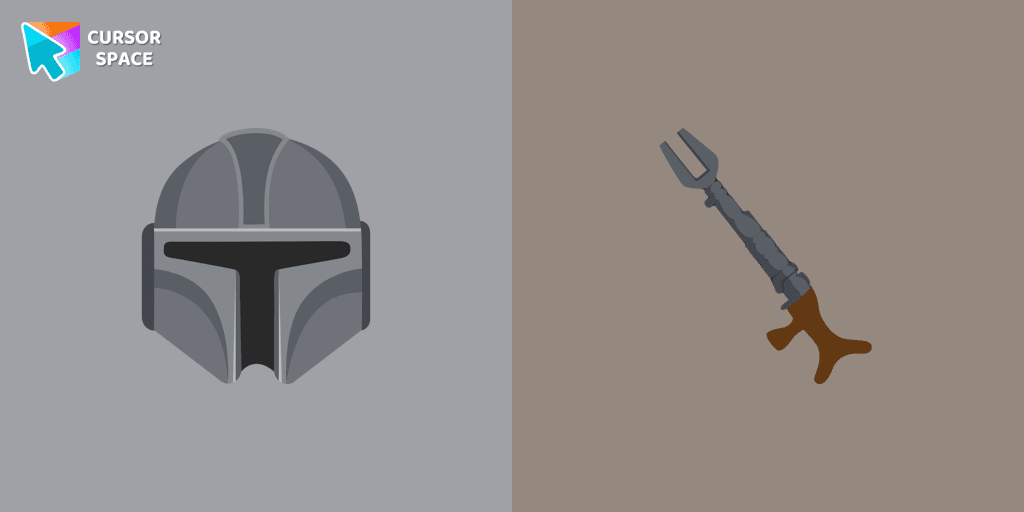
The Mandalorian cursor
99FreeShow your love for The Mandalorian with our custom cursor. Enjoy the iconic bounty hunter in a custom cursor for Google Chrome, adding style to your browsing.
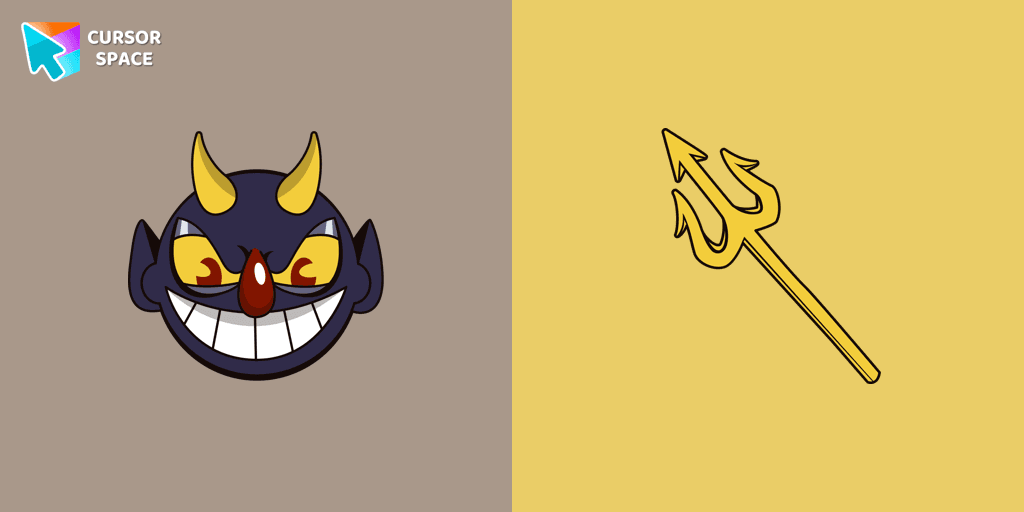
The Devil cursor
89FreeAdd a touch of sinister charm with the Devil custom cursor from our Cuphead collection. Upgrade your browsing with this unique custom cursor for Google Chrome.
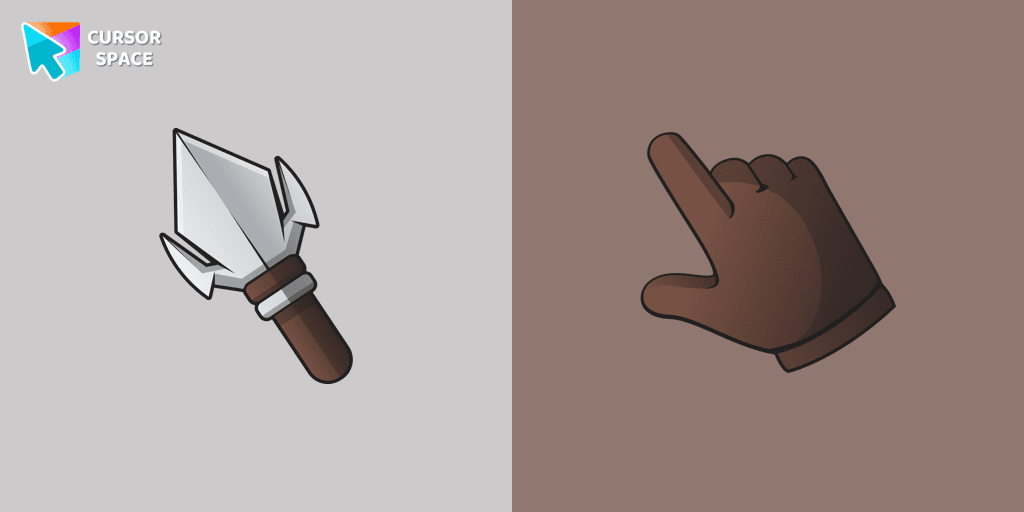
Arrowhead cursor
117FreeUpgrade your desktop with the Arrowhead custom cursor - featuring a stylish, attention-grabbing design that adds flair and personalization to your experience.
Collection hits
Installation leaders from "Colorful Custom Cursors": free packs, neon/anime/pixel art, quick add to Chrome and Edge.
Top 1 
Mint Cursor
157FreeEnhance your browsing experience with the Custom Mint Cursor, a calming personalized cursor symbolizing harmony, renewal, and inner balance.
Top 2 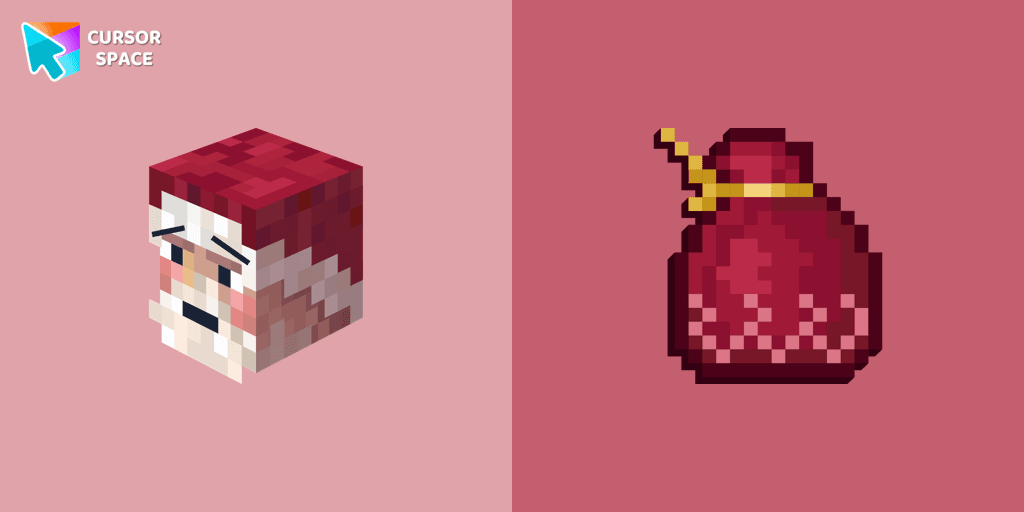
Santa Claus Minecraft Skin cursor
148FreeImprove your browsing experience with this playful custom cursor that turns your pointer into a cheerful Santa Claus, adding a festive touch. Embrace the holiday spirit!
Top 3 
Empty Butterfly Green
146FreeEnhance your desktop with the "Empty Butterfly Green" custom cursor set. Experience vibrant butterfly designs that bring a unique flair to your screen.

Purple cursor
131FreeElevate your browsing experience with a purple custom cursor, infusing your screen with a sense of mystery, creativity, and uniqueness.

Orange cursor
131FreeIlluminate your screen with a vibrant, energetic custom cursor in orange. Boost creativity, capture attention, and enhance your browsing experience!

Comic cursor
130FreeImmerse yourself in the dynamic realm of comics with our animated comic custom cursor, which brings visual storytelling to your screen and enriches your browsing experience with every move!

Blue Black Cursor
126FreeReplaces default cursor with Blue Cursor cute. Change the usual mouse to an amazing cute Blue Cursor cursors or download cursor

The Purple Cursor
119FreeEnhance your Chrome browsing with Custom Cursor Space, a sleek purple cursor crafted to complement your style and elevate your online experience.

Green Cursor
114FreeUpgrade your workspace with the Custom Green Minimal Cursor, a simple yet striking design symbolizing harmony, freshness, and positivity.

Burgundy cursor
107FreeUpgrade your computer's interface with a stylish burgundy custom cursor, adding elegance, sophistication, and a personal touch to your browsing experience.

Black cursor
78FreeReplace the standard cursor with an adorable Black one. Transform the ordinary mouse into a stunningly adorable Black cursor or download a cursor of your choice.

Colored White Custom Cursor
76FreeEnhance your browsing experience with a charming white custom cursor! Swap out the standard pointer and showcase your style with delightful cursors for Chrome.
Install Cursor Space - A Collection of Custom Cursors for Chrome & Edge
Add packs instantly and unlock access to thousands of cursors: neon, anime, pixel-art, and more. Fast, safe, and free.
- Free cursor packs
- HD/HiDPI & animated icons
- Quick browser installation
Cursor Space is an extension for changing your mouse cursor in Chrome and Edge browsers: themed collections, HiDPI icons, neon, animated, and pixel cursors, with quick installation.